
Plate 00The source
Your voice is the fastest thing about you.
Hold one key and talk. Whisper Master writes clean, punctuated text straight to your cursor in any app — and the audio never leaves the machine it was spoken into.
Ship the RAG pipeline behind a flag and ping Priya on Slack.
Plate 01The bottleneck
You think in sentences.
You type in taps.
Conversation runs at roughly 150 words a minute. Your hands manage 40 to 70 of them. Everything between those two numbers is thinking you did and never wrote down.
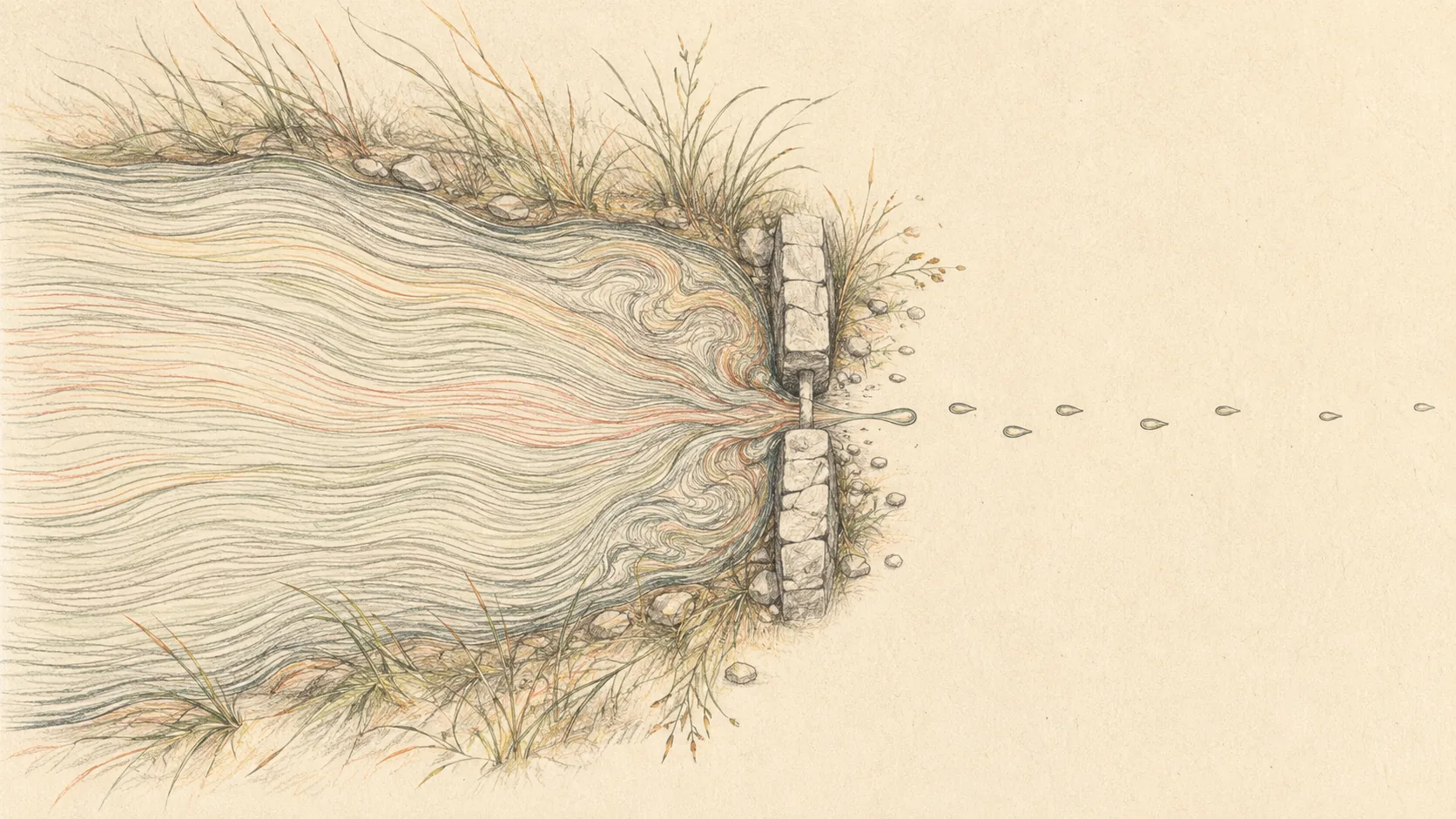
Fig. 01Speech at conversational rate, forced through the aperture of a keyboard.
- Speed
- 40–70 words a minute, hands busy
- 150+ words a minute, hands free
- First draft
- You edit while you write, so both go slower
- Say it messy; it arrives structured
- Where it runs
- Depends on the service
- Entirely on your Mac, offline if you like
- Jargon
- Autocorrect fights your vocabulary
- A glossary you control
- Long form
- Wrists and shoulders set the limit
- Talk for an hour without paying for it
Say it once. It goes nowhere but your Mac.
Plate 02The enclosure
Past this line,
nothing gets out.
Most dictation tools are a microphone with a network cable attached. Look for the inlet on this one and there isn’t a gap in the rim to find.
- 01No audio is uploaded. Not a buffer, not a sample, not for diagnostics.
- 02No transcript reaches a server. The text exists on your disk and nowhere else.
- 03No model runs remotely. Transcription and cleanup are both local work.
- 04No account is needed to dictate. It gates which build you get, nothing else.

Fig. 02The rim, unbroken. There is no inlet and no outlet to draw, because there is not one.
Plate 03The chain
Three modules,
wired in series.
There is no app to switch to and no window to manage. Hold the key, talk, let go. The whole product is these three boxes and the wire between them.
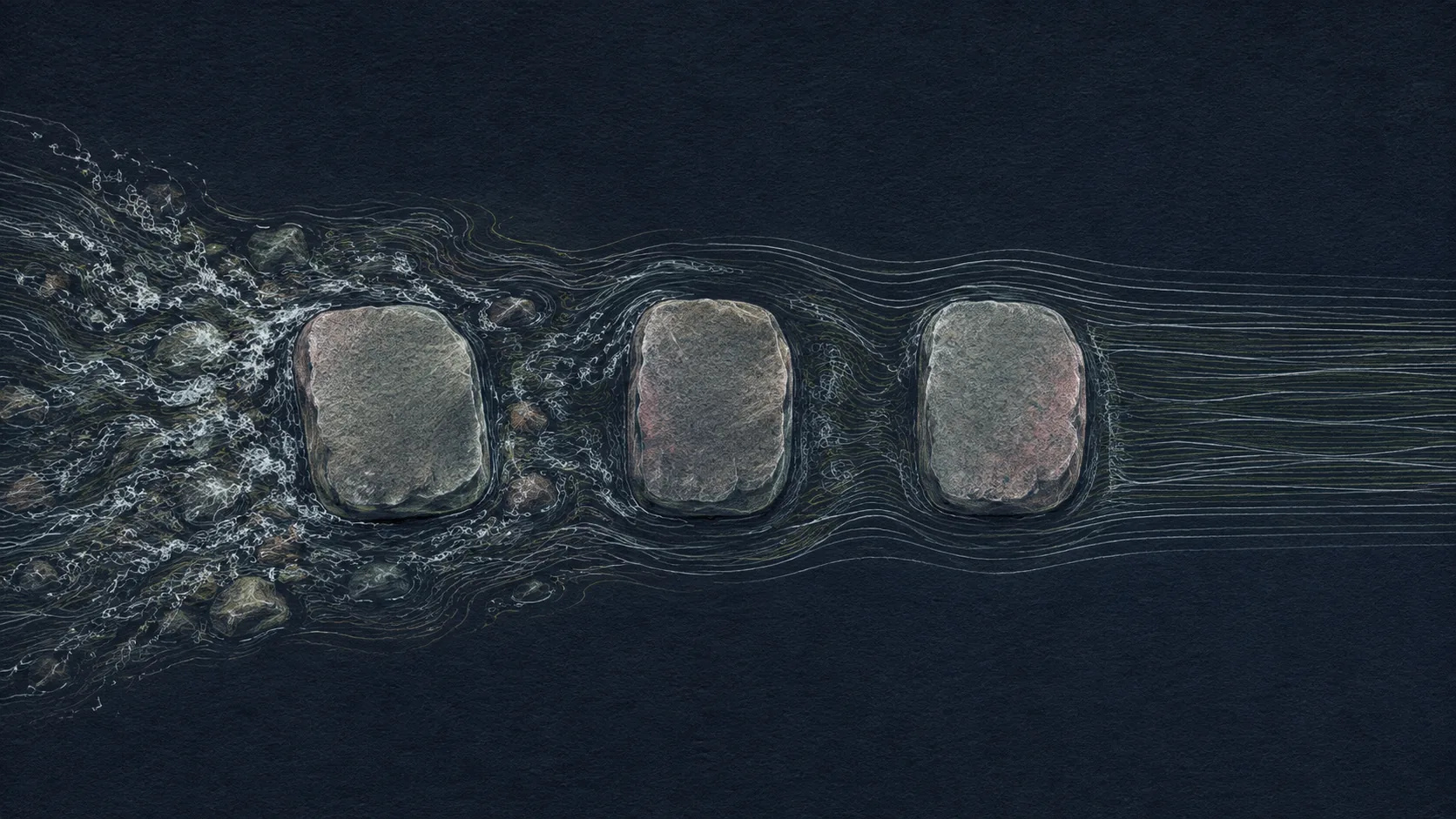
Fig. 03Water enters broken at the left and leaves the third stone straight. Nothing was added; it was only allowed to settle.
Hold the key
One configurable modifier, held or toggled. The notch pill drops down with your live audio level so you know it's listening.
Say it however it comes out
Ramble. Correct yourself halfway through a sentence. Parakeet transcribes locally while the cleanup layer drops the fillers and fixes the numbers.
Let go — it's already typed
Clean text appears at your cursor in whatever app has focus. An optional polish pass, also local, refines it in place a beat later.
Plate 04The output
What comes out
the other side.
Eight parts, all shipping today, all running on your machine. Nothing in this list is on a roadmap.
Words land as you say them
NVIDIA Parakeet streams on your Mac, so partial words appear in real time and lock in as you keep talking. Nothing to record and then wait for, no spinner at the end.
Hold one key, talk anywhere
Text arrives at your cursor in Mail, Slack, Notion, VS Code, Ghostty — anywhere you can type. Whisper Master picks the right paste path per app instead of hoping one works.
A draft, not a transcript
Fillers and stutters drop out, punctuation lands on its own, and “twenty five dollars” arrives as $25. Say “twenty, no, thirty, no, forty” and you get 40.
Teach it your vocabulary
Add the jargon, acronyms, and names you actually use, and they come out right every time — “RAG” instead of “rack”, your client's name spelled the way they spell it.
Your voice never leaves the Mac
Transcription and cleanup both run locally — no trip to the cloud, no audio upload, nothing stored on a server, and it all still works on a plane with the wifi off.
See how you actually write
Real numbers from your own dictations: words per minute, lifetime word count, which apps you talk into most, and a streak heatmap. Computed on your Mac, one account at a time.
It notices bad audio
When Bluetooth earbuds force macOS into the low quality call mode, Whisper Master spots it and offers to switch to the mic in your Mac. It never switches behind your back.
Say it, and it's written down
Voice notes, reminders, and alarms that understand relative time — “remind me in twenty minutes” just works. Your calendar and due reminders sit in the Today view.
Plate 05Service notes
The questions
people actually ask.
Mostly about privacy, because that is the claim worth doubting. The answers include the parts that are still weak.
01Does my audio ever leave my Mac?
No. Transcription and cleanup both run locally on your machine. No audio is uploaded, nothing is stored on a server, and there is no trip to a server anywhere in the dictation path. The page at /trust lists every network request the app makes and why.
02Does it work offline?
Yes, and that is the normal case rather than a degraded one. Once the model is downloaded, dictation works on a plane with the wifi off, exactly as it does online.
03Which Macs does it run on?
macOS 14 (Sonoma) or later on Apple Silicon. Intel Macs are not supported: the local model leans on the Neural Engine, and without it the latency stops being usable.
04How accurate is it really?
3.4% word error rate on clean human speech, measured on the shipped pipeline. In a noisy room that rises to 23.5%, which is the single biggest gap we are working on right now and the reason it is on the public roadmap.
05Will it get my jargon and names right?
Add them to your glossary and yes. Acronyms, product names, and the spelling your client actually uses come out right every time, instead of being autocorrected into something adjacent.
06Which apps can I dictate into?
Anywhere you can type. Text lands at your cursor in Mail, Slack, Notion, VS Code, Ghostty, and the rest, because the app picks the right paste path per application rather than hoping one method works everywhere.
07Why do I need an account if it runs on my device?
The account only decides which build you are entitled to download and whether beta access is on. Your voice, your transcripts, and your glossary are never part of it and never reach us.
08What does it cost after the beta?
It is free while in beta with no card required. Paid plans are listed in full on the pricing page, and anyone who joins during the beta keeps access to the version they have even if they never pay.
Plate 06The unit
Stop typing your thoughts. Say them.
Free while in beta. macOS 14 (Sonoma) or later · Apple Silicon. Your account only decides which build you can download — your voice and your transcripts stay where they were spoken.
- No card, no trial clock
- Uninstall takes your data with it
- Beta accounts keep their build